flow.
for Ableton Live · Max for Live
An intelligent performance brain for Ableton Live

Software that keeps a live set feeling alive, and standing up on stage.

A small suite of Max for Live devices for ambient and looping performers. It rides your levels, shapes your effects, launches your loops, and checks the rig before you play. Not a concept: it runs live in Ableton today, on the set you already play.

Session-view looping Auto-headroom One-tap gestures iPad in a browser Pre-show self-check
Safe on a shared stage
Never writes tempo· transport· scenes Hands always win

Hands always win means exactly that: the instant you touch a control, the software yields and stops whatever it was doing. It reads the shared clock but never writes tempo, start/stop, or scenes, because on a shared stage those belong to the room, not a laptop. One button puts the whole rig back where it started.

The suite

Every device owns a single job.

Each one reads your own set and runs quietly in the background. No template to adopt, no new instrument to learn; they just make the rig you have more reliable and more expressive.

CONDUCTOR
Slow gestures, one tap.

Beat-synced fades and swells across many effects at once, fired from one named clip. The 16-bar wash that used to take three hands is now a single gesture that lands right on the bar.

SENTINEL
The mix never chokes.

An auto-level governor that rides your bus levels all night, so stacked loops never clip or drown each other. A limiter squashes the whole mix after it's already too loud; this trims the one bus crowding the stack before it gets there, then gives the level back. The method has pedigree: automatic gain-sharing has run live shows since the 1970s.

DECKHAND
Your iPad, minus the dead app.

Turns any tablet into a loop launcher and health view in a plain browser tab. Nothing to install, nothing to update, nothing to get abandoned in an App Store. Tap a clip; see what's playing and whether the rig is healthy.

AUTOQUANTIZE
Play loose, land on the grid.

Record the loop the way you feel it, then let it snap to the beat after the fact. Keeps the human timing where it helps and fixes it where it hurts.

ALIVE
Loops that keep breathing.

Subtle drift so held layers evolve instead of sitting still. Backs off the moment your hands move.

RITUAL
Find failures before the crowd does.

A pre-show check the rig runs on itself, so a bad cable or missing device shows up in soundcheck, not mid-set.

MICROCOSM
A texture engine, built in.

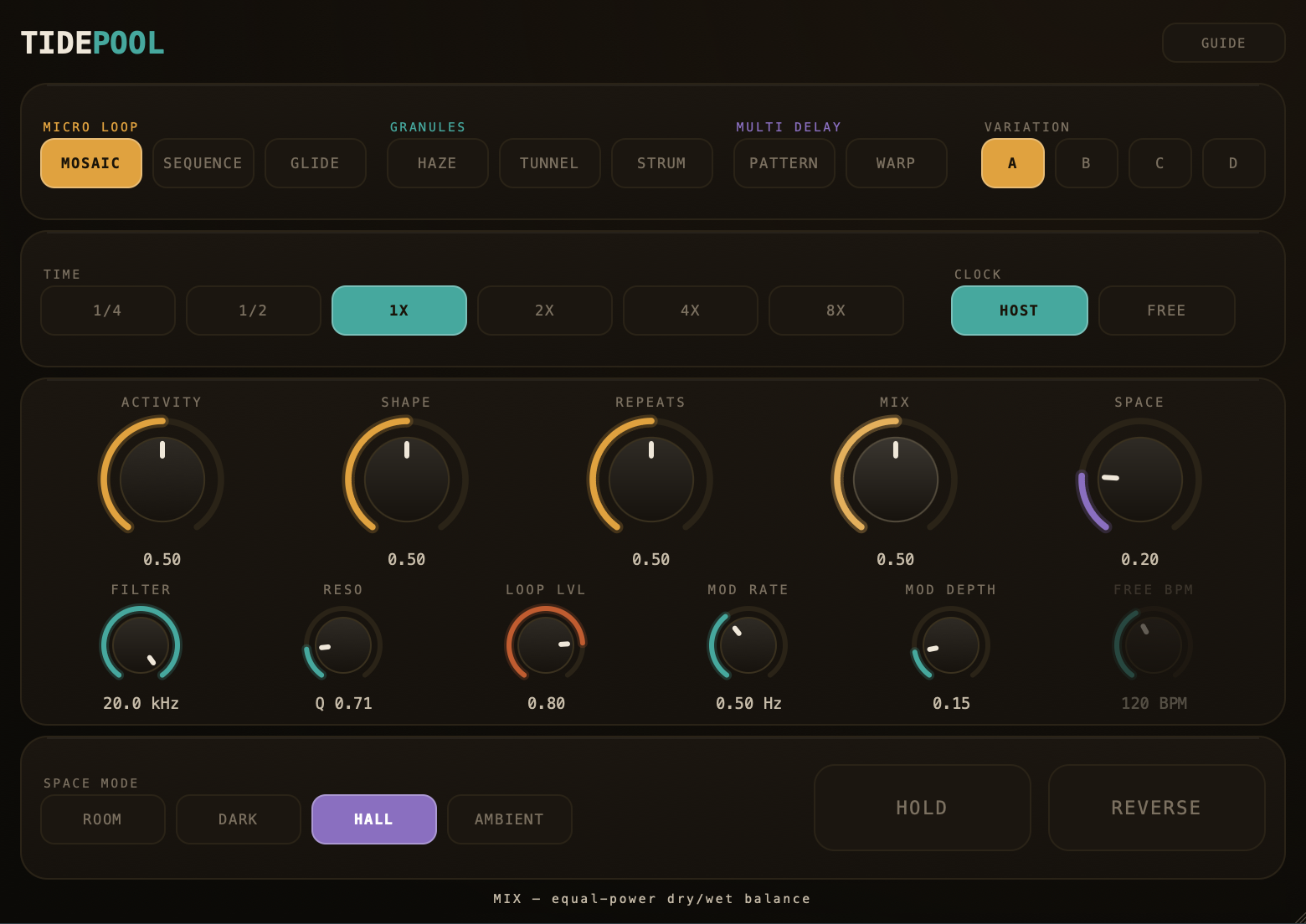
A boutique granular pedal, rebuilt inside the set. Clouds, shimmer, and motion on tap.

Captured from the rig

See it running.

These aren't mockups. Every screen below is captured from the running rig, fed by the same live telemetry and move engine that drive the set on stage.
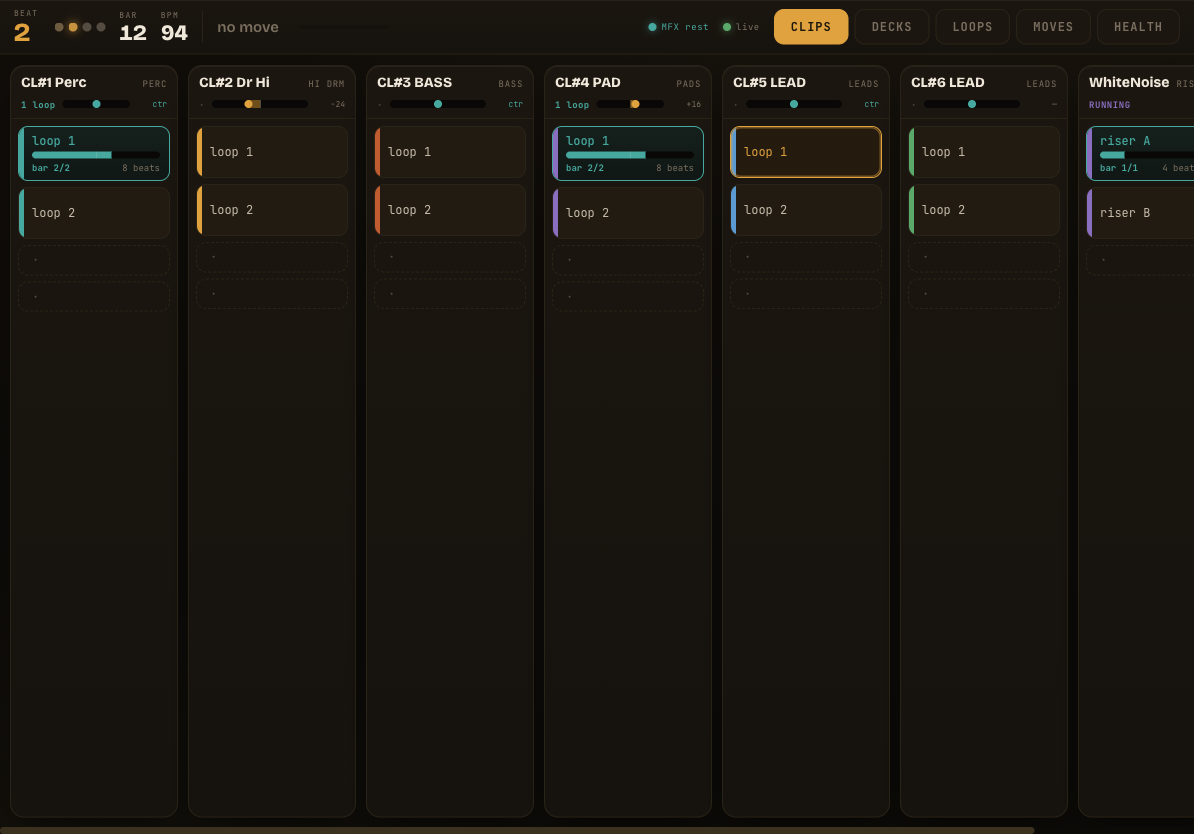
DECKHAND clip launcher running in a browser
DECKHAND
The iPad loop launcher.

Every lane, every clip, live playheads and armed states, all in a plain browser tab. Tap to fire; watch what's playing.

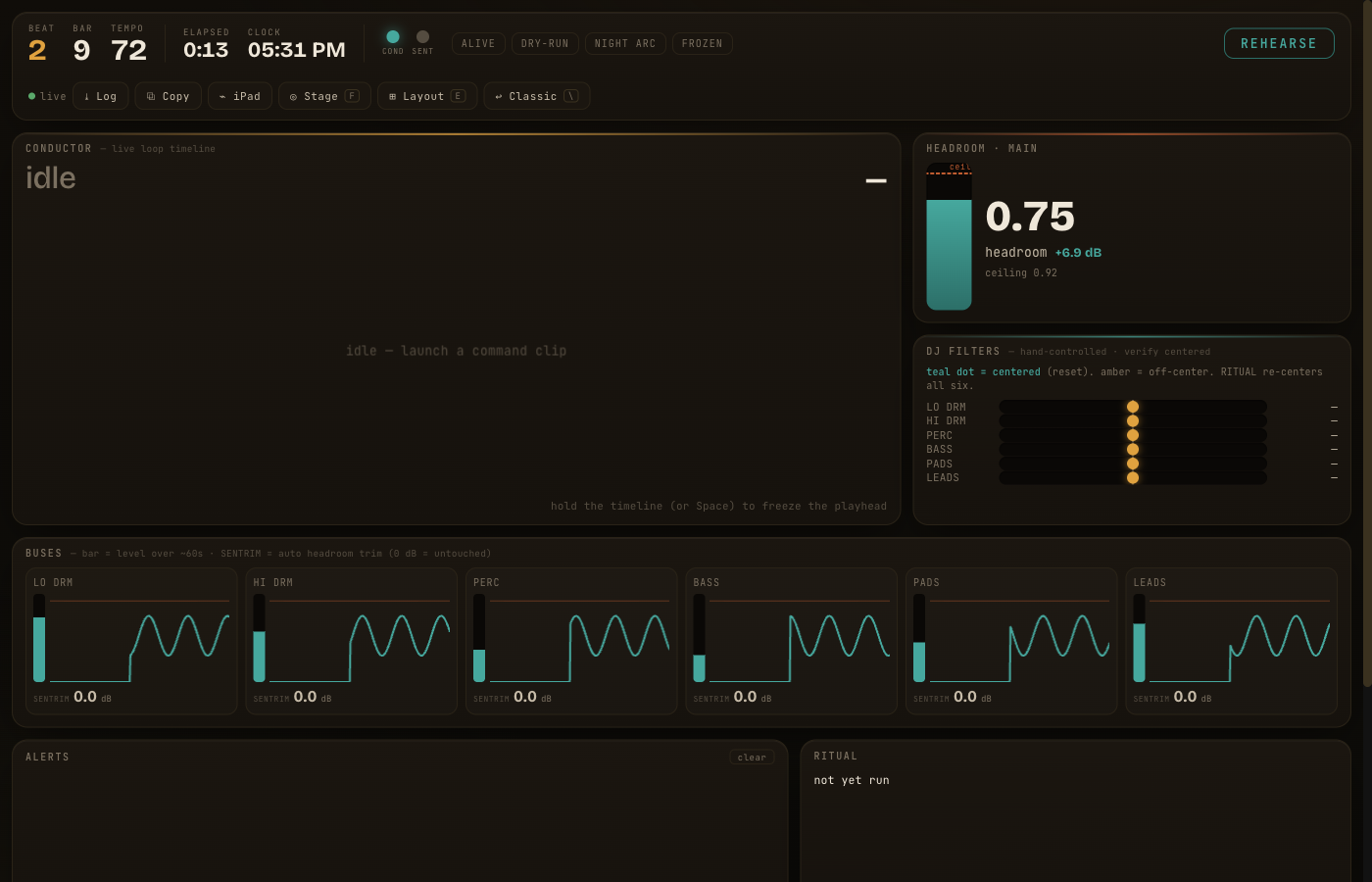
Live telemetry dashboard with meters and headroom
DASHBOARD
Read-only rig telemetry.

Headroom against the ceiling, per-bus levels, SENTINEL trims, the CONDUCTOR timeline. The whole rig's health at a glance.
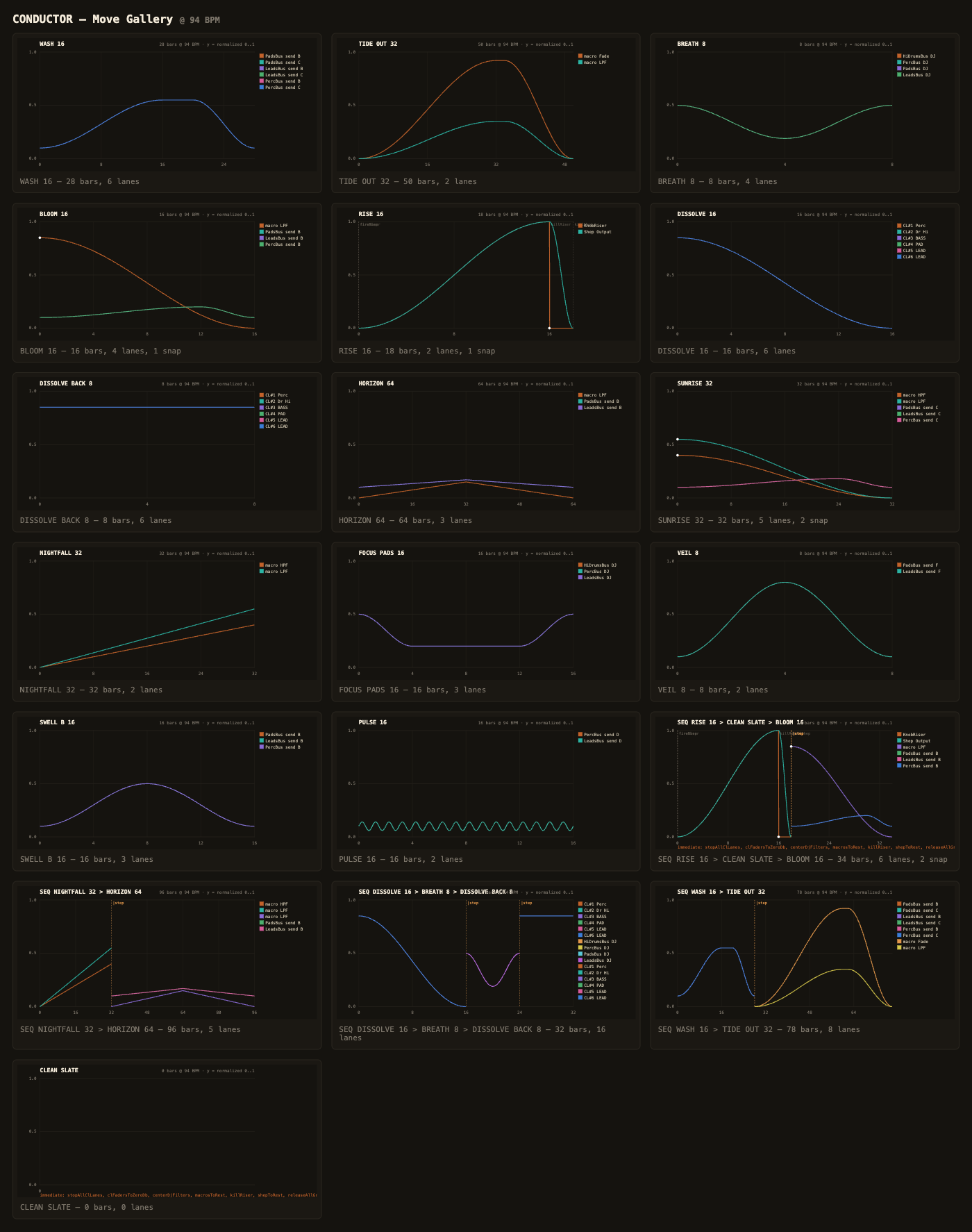
CONDUCTOR move gallery, 20 parameter-gesture plots
CONDUCTOR · MOVE GALLERY
Every gesture, plotted before it plays.

Every named move (WASH, TIDE OUT, BLOOM, full sequences) rendered as the exact automation curve it runs across the buses. Generated from the setmap, not drawn by hand.
Why it's built this way

Everything here serves the player.

Easier than a hardware looper, deeper than a session view. One rule runs through all of it: the software is a stagehand, never the star.

4
independent kill switches; any one puts the rig back to safe
0
writes to tempo, transport, or scenes, ever
1
browser on the iPad, no native app to die on you